Your whole back office,
in one app.

MyCabree is the full company portal, rebuilt for mobile. Owners, admins and managers run the entire operation, from dispatch and fleet to pricing, payroll and customer support, straight from their phone. It's not a read only view; it's the company portal with full control, wherever you are.

Take the tour
  • iOS & Android
  • The full company portal
  • Zero trust login
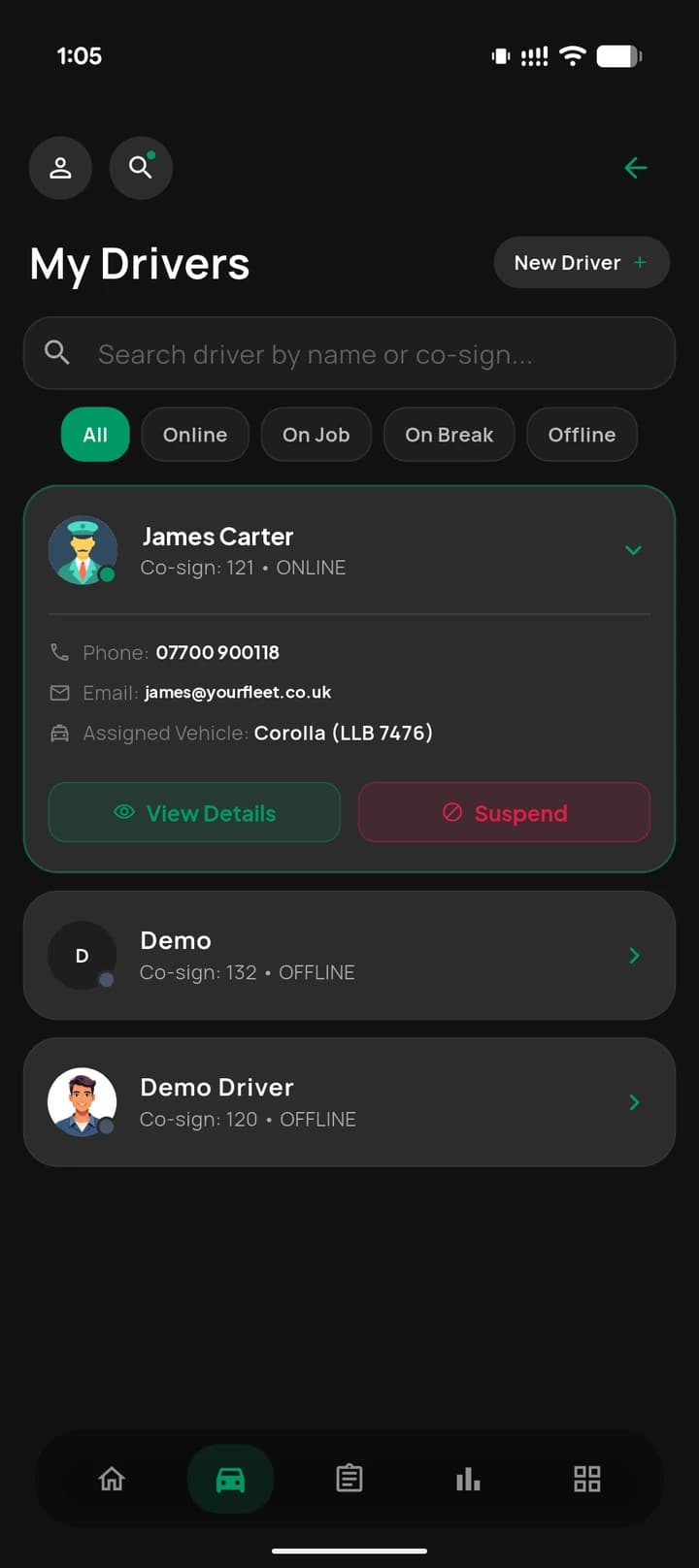
MyCabree drivers list with a driver’s contact details and assigned vehicle
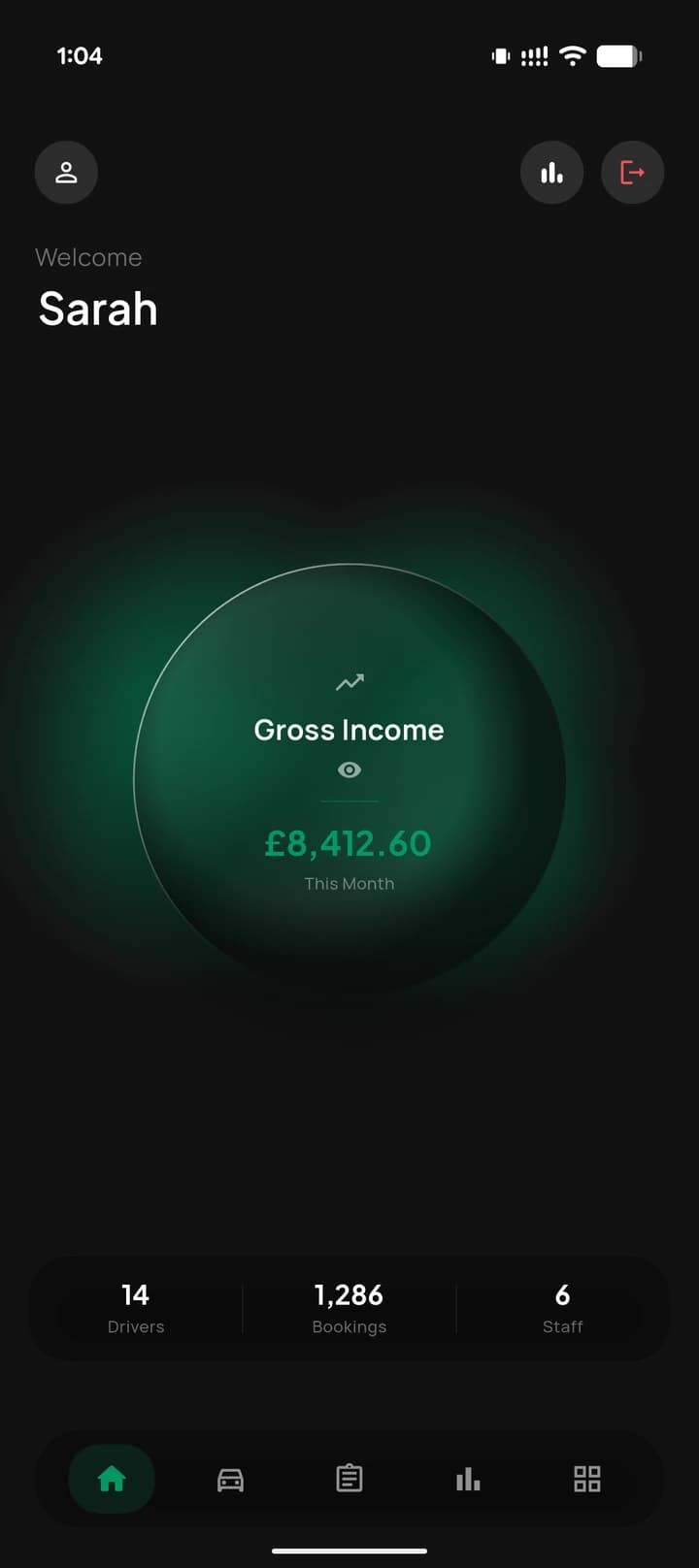
MyCabree home: £8,412.60 gross income this month, 14 drivers, 1,286 bookings and 6 staff
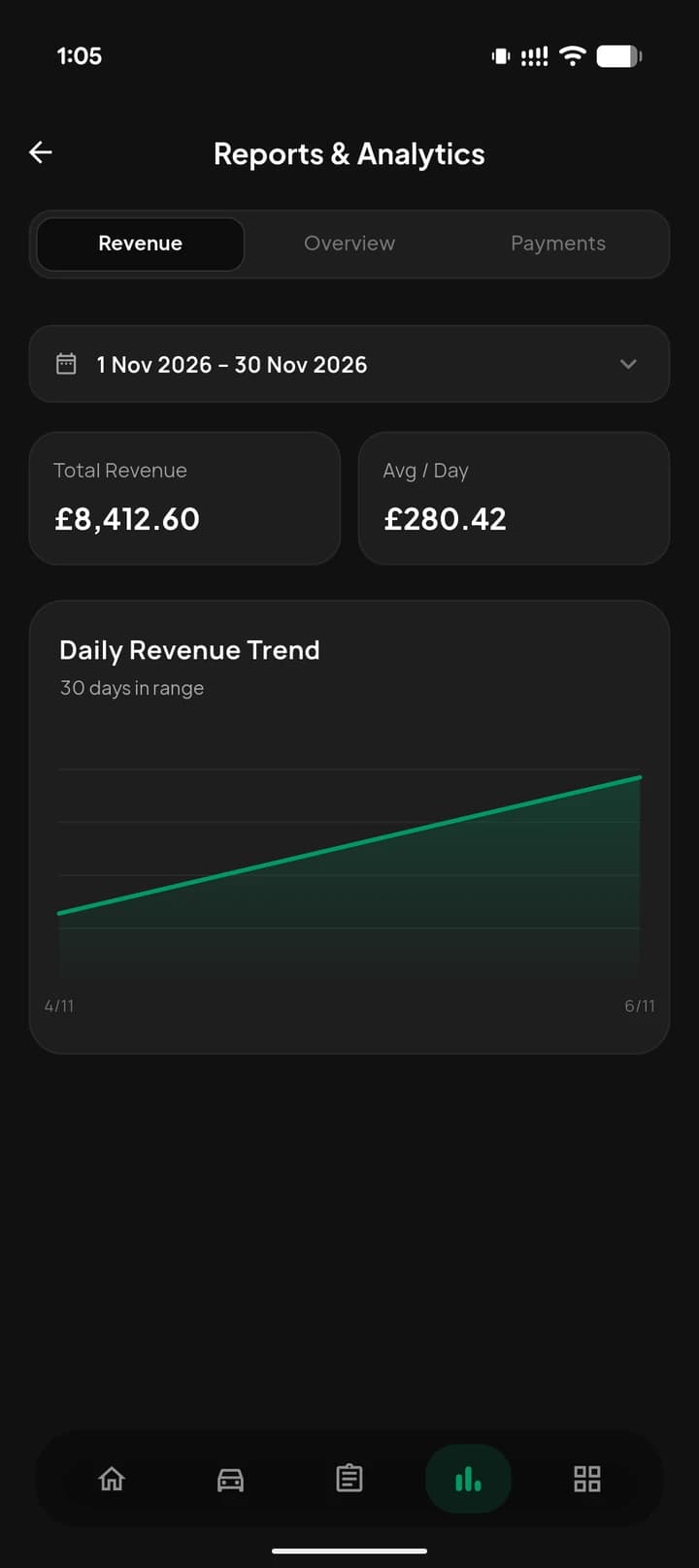
MyCabree reports with total revenue and the daily trend

Your fleet and team,
under one roof.

Manage every driver, vehicle and staff member from your pocket. Onboard drivers, check documents and live status, track vehicle assignments and maintenance, and give dispatchers and CSRs exactly the access their role needs, no more, no less. It's the same team your dispatch system runs on, now manageable on the move.

  • Drivers with live status, documents and vehicle
  • Plates, models and maintenance for every car
  • Staff directory with role based access
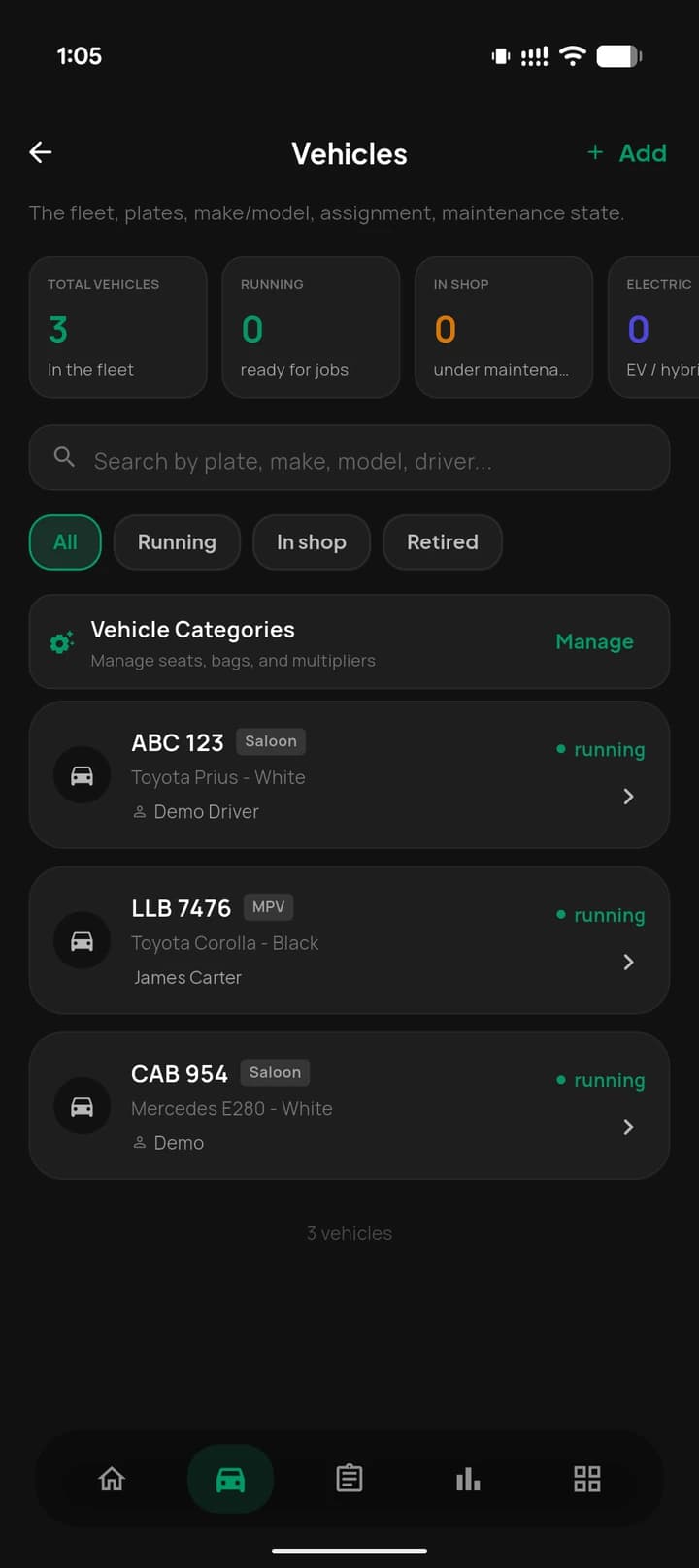
Vehicles in MyCabree with running, in shop and electric counts and each car’s driver
My Drivers in MyCabree: a driver opened with phone, email, assigned vehicle and suspend

Every booking,
start to finish.

See upcoming, active and completed rides in a live list, and reach for the dispatch configurator when you need to. Tune the auto allocation engine, driver radius and routing without touching a desktop, so the floor keeps moving whether you’re in the office or not.

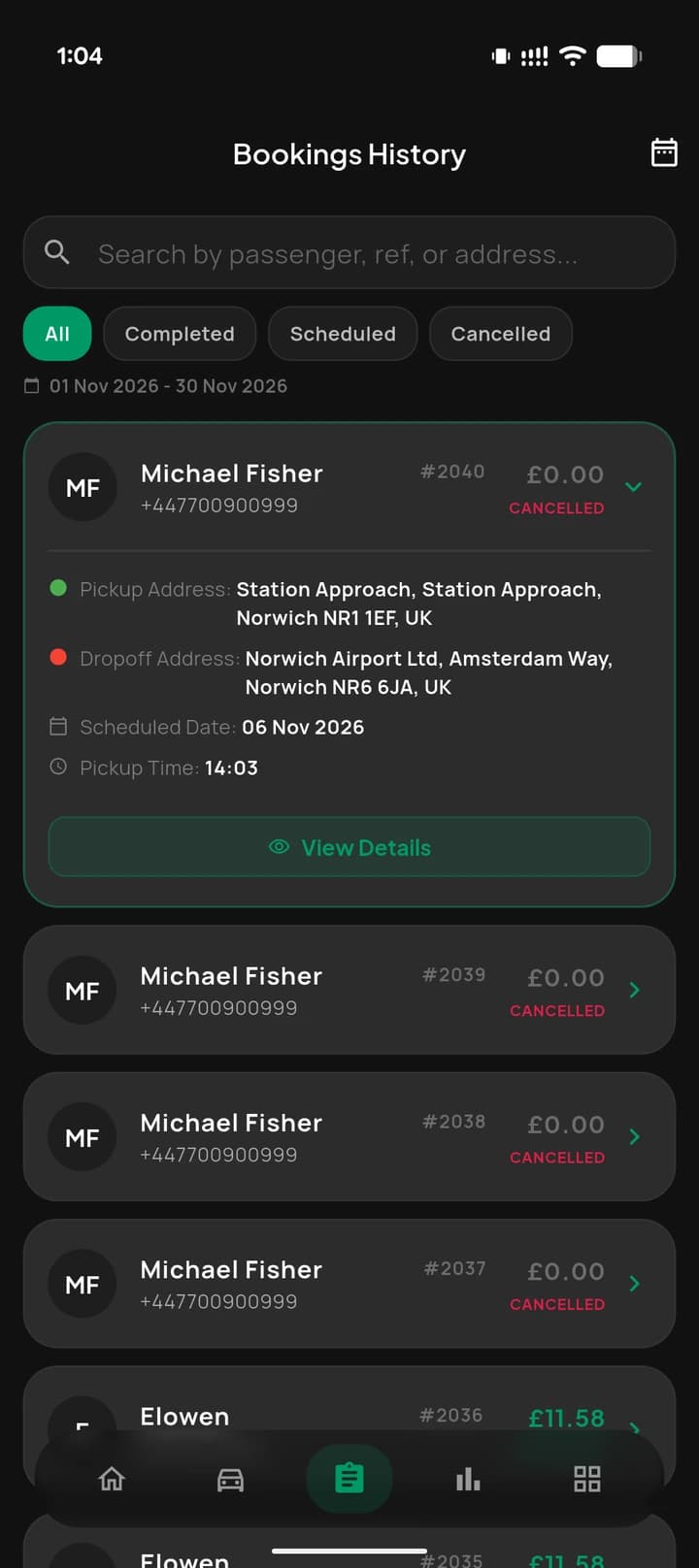
  • Completed, scheduled and cancelled in one list
  • Search by passenger, reference or address
  • Every route, time and fare a tap away
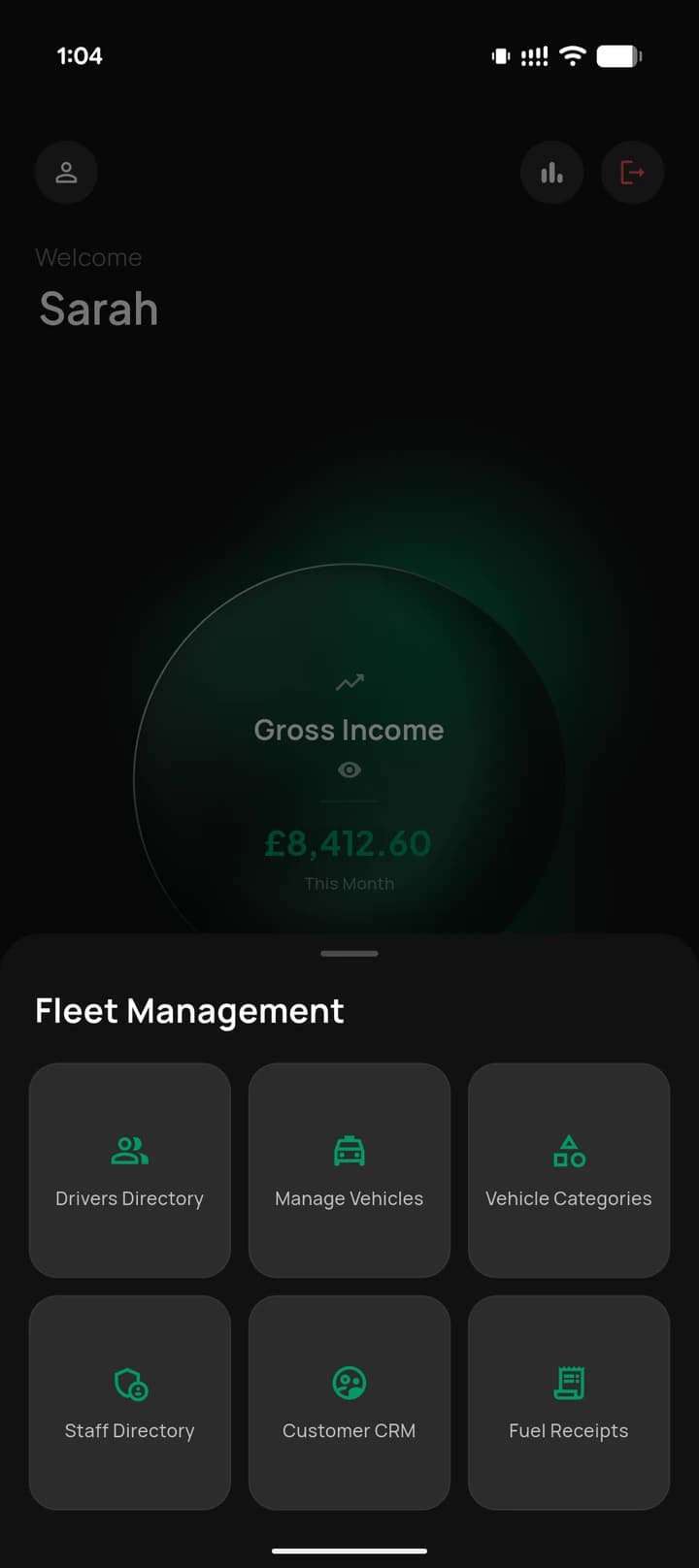
The MyCabree fleet management menu: drivers, vehicles, categories, staff, customer CRM and fuel receipts
Bookings history in MyCabree with a booking opened to show its pickup, drop off, date and time

Fares and zones,
exactly your way.

Group your fleet into vehicle types, each with its own fare maths and passenger app visibility, then set base fares, per mile rates and time based pricing. Draw pricing zones, airport drops and surge areas with geofencing that mirrors how your city really moves.

  • Saloon, MPV, 8 seater and your own types
  • A fare multiplier for each vehicle type
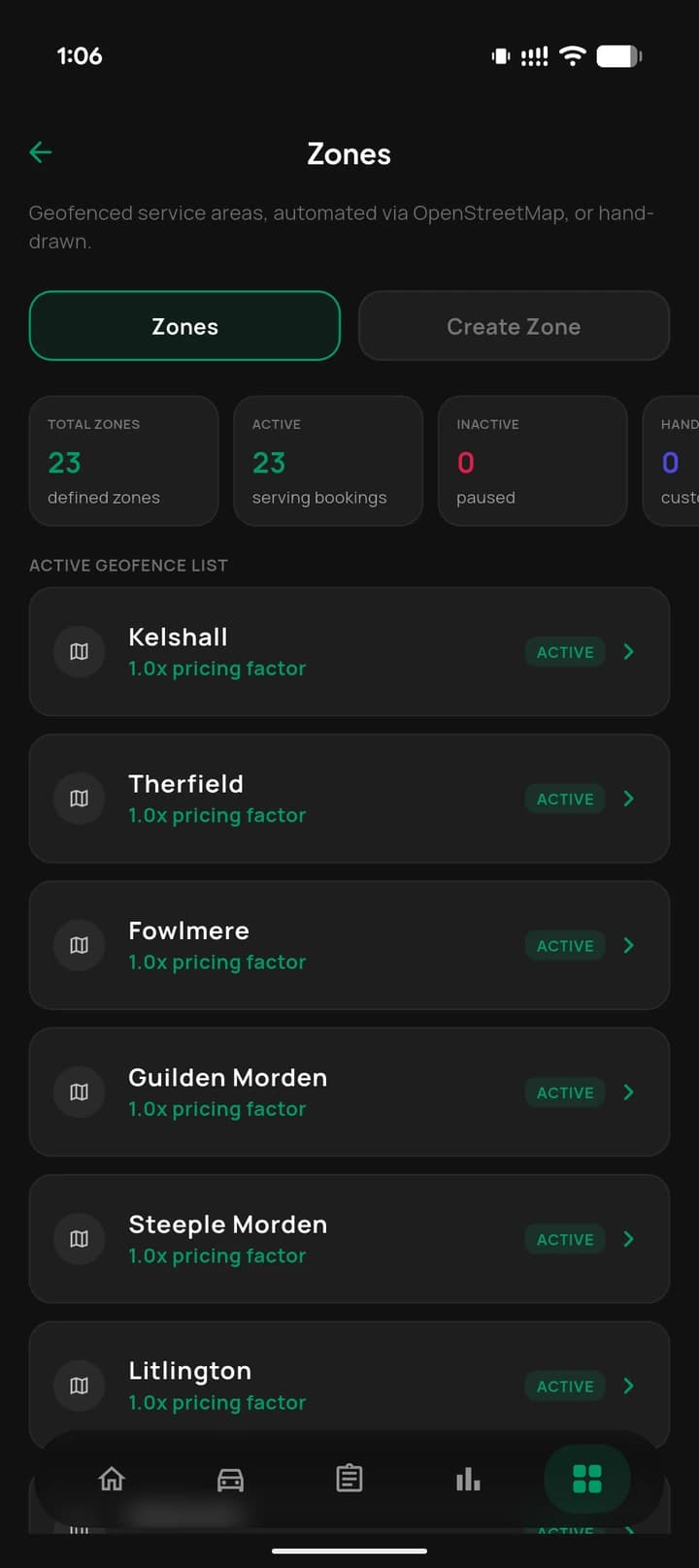
  • Zones drawn automatically, each with its pricing factor
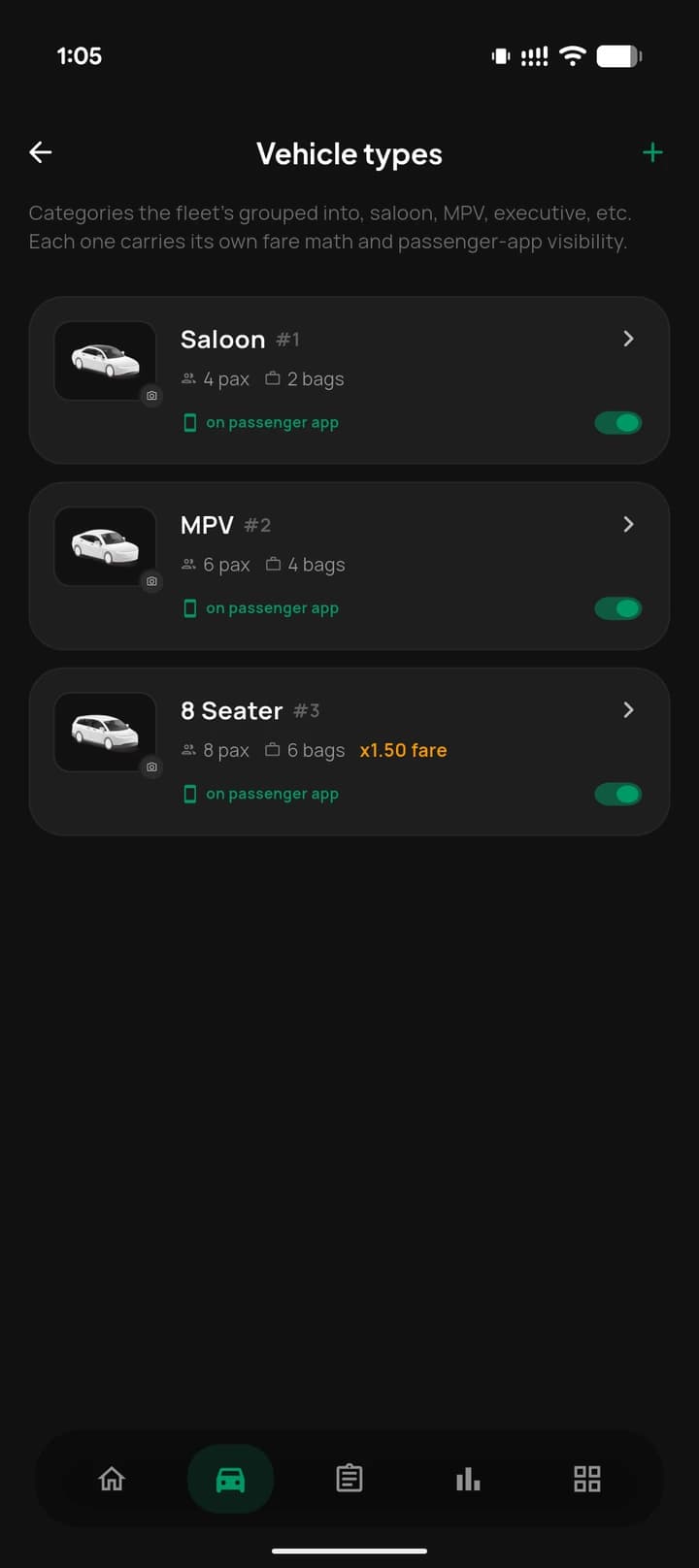
Vehicle types in MyCabree with passengers, bags, fare multiplier and passenger app visibility
Zones in MyCabree: 23 zones, each active with its pricing factor

The numbers,
always to hand.

Track daily and weekly revenue, completed jobs and driver earnings from a reports dashboard built for a phone. Run payroll, manage billing and corporate accounts, and approve driver fuel receipts on the spot, so settlement never waits for you to get back to the desk.

  • Revenue, average per day and the daily trend
  • Driver pay runs from completed bookings
  • Fuel receipts reviewed and approved in app
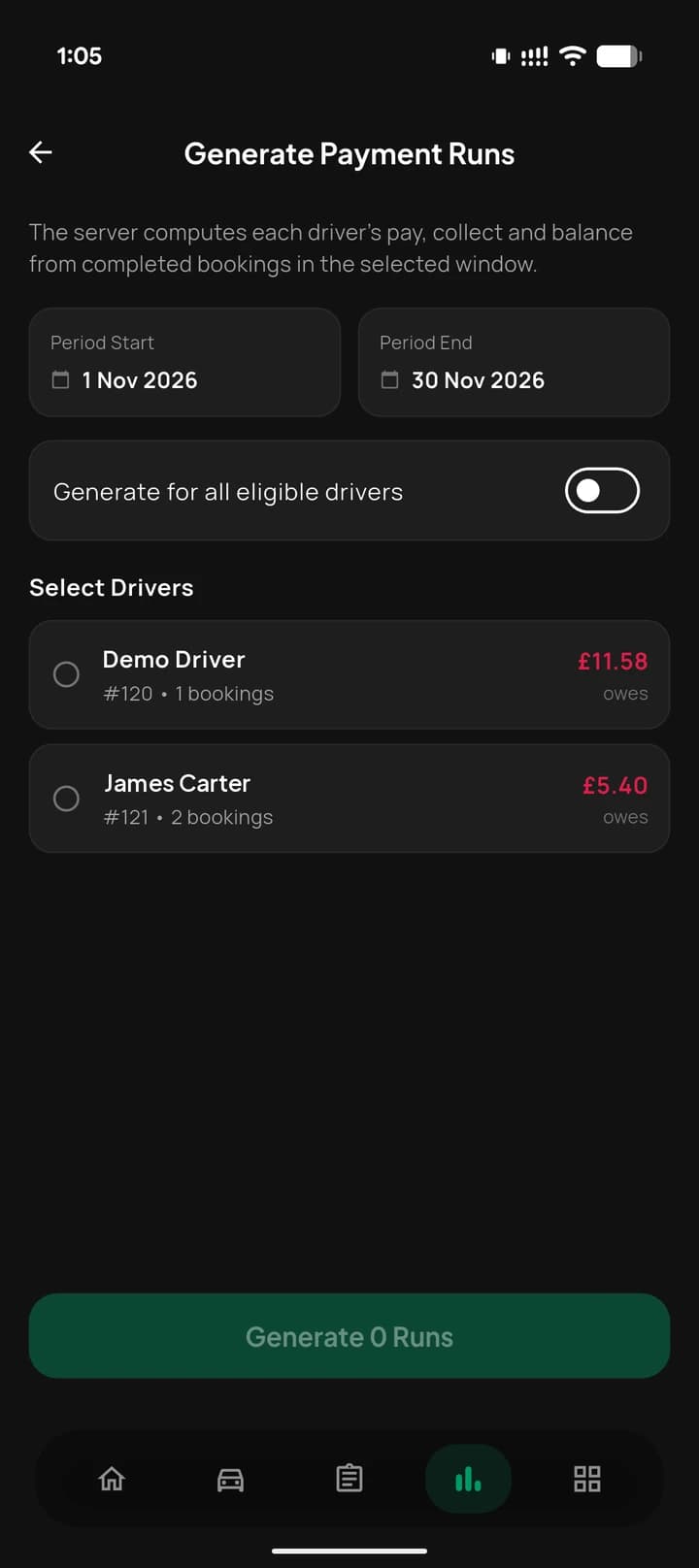
Generating driver payment runs for a period in MyCabree
Reports and analytics in MyCabree: £8,412.60 total revenue this month and the daily revenue trend
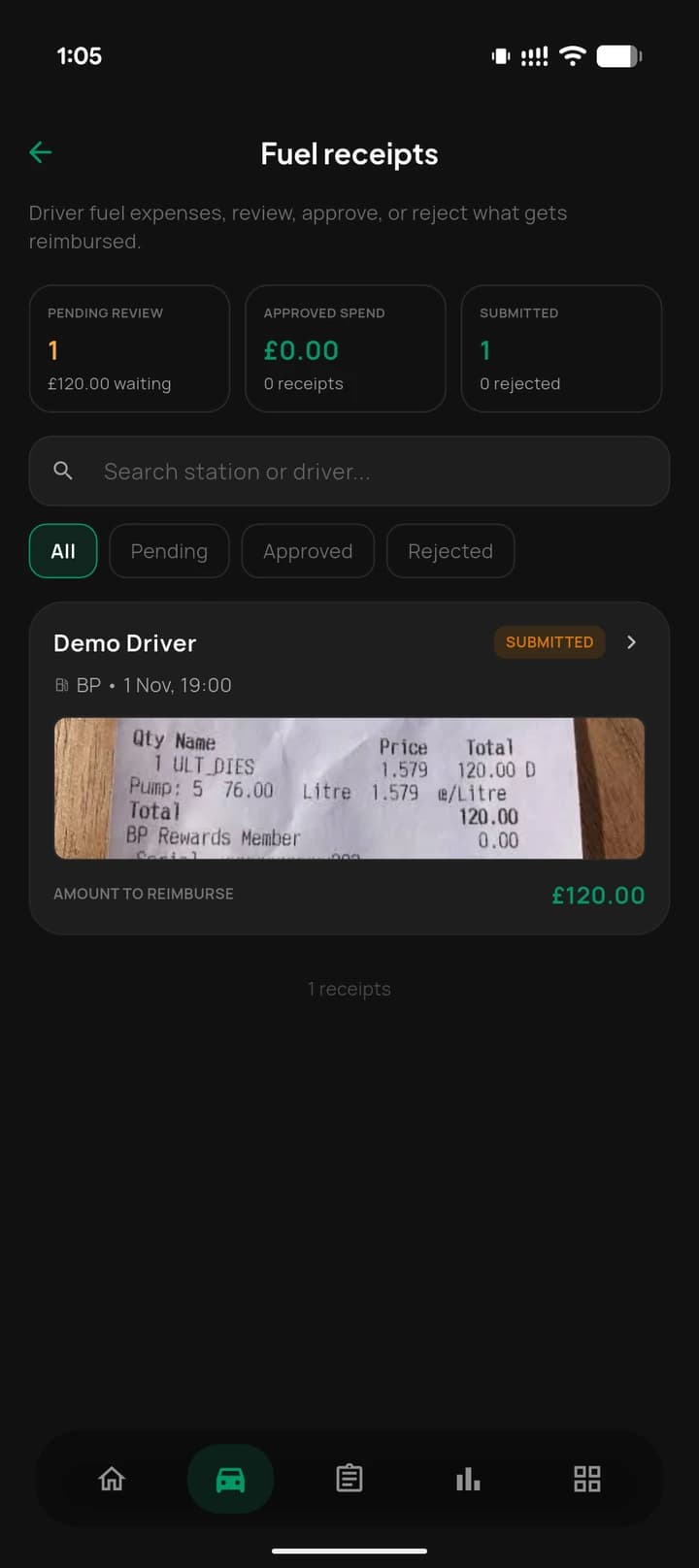
  • A driver’s fuel receipt in MyCabree waiting for approval

    Fuel receipts

    Drivers photograph a receipt; you approve or reject it, and the amount to reimburse is ready for payroll.
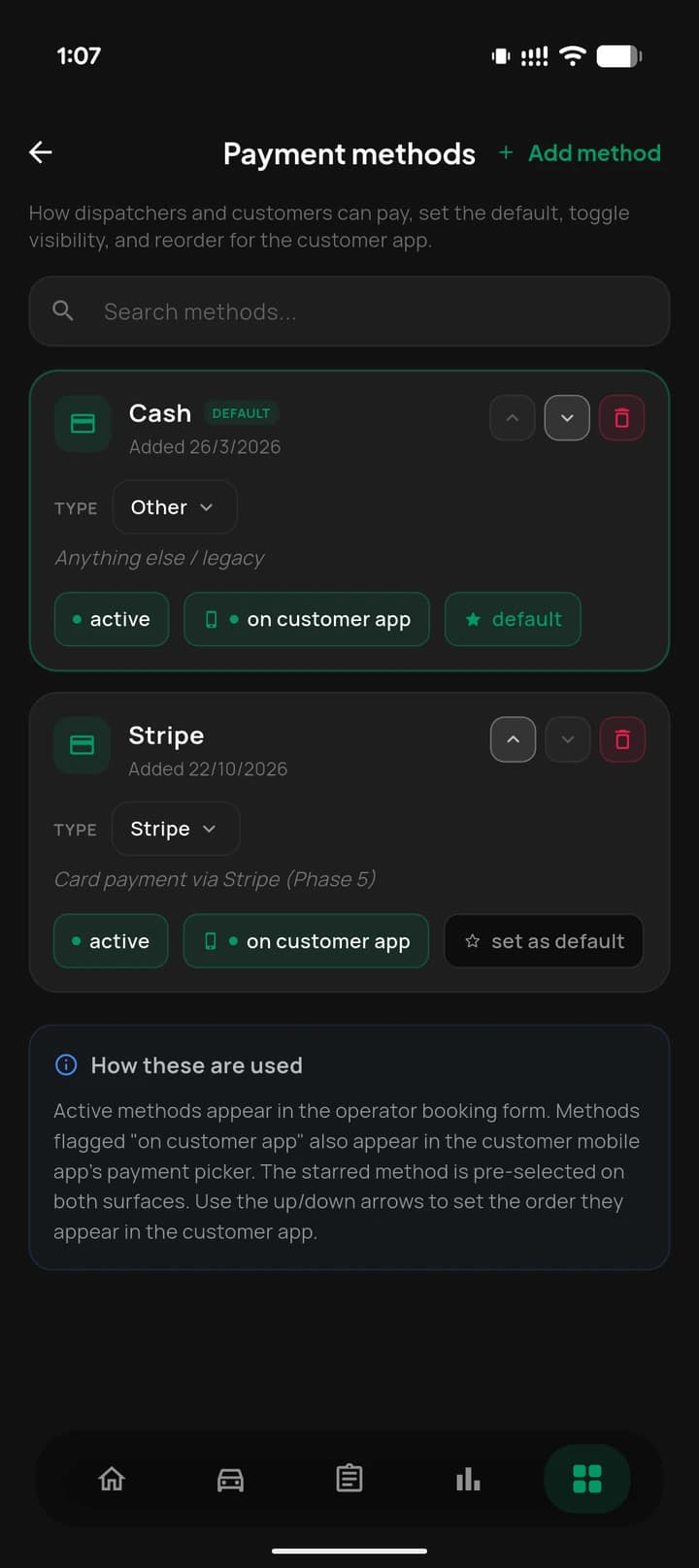
  • Payment methods in MyCabree: cash and Stripe, active and on the customer app

    Payment methods

    Choose how dispatchers and customers can pay, the default, and what shows in the customer app.
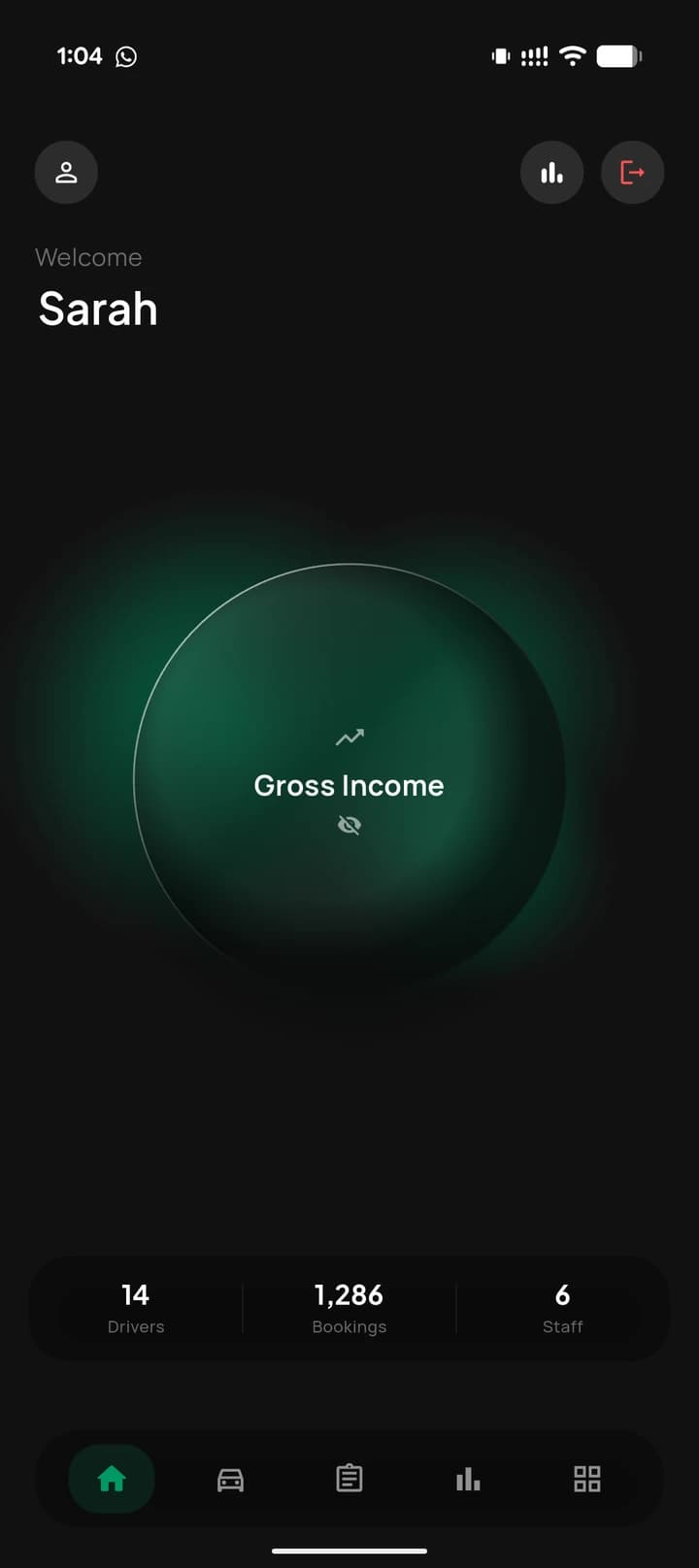
  • The MyCabree home screen with the gross income hidden

    Privacy on screen

    Hide the income figure with one tap when you open the app in front of others.

Customers and support,
handled in app.

Full CRM travels with you: passenger histories, ratings, spend and corporate clients, all a tap away. Resolve driver and customer issues through an integrated ticket system with clear Open, Resolved and Closed states, and keep everyone aligned with announcements pushed to staff or the passenger app instantly.

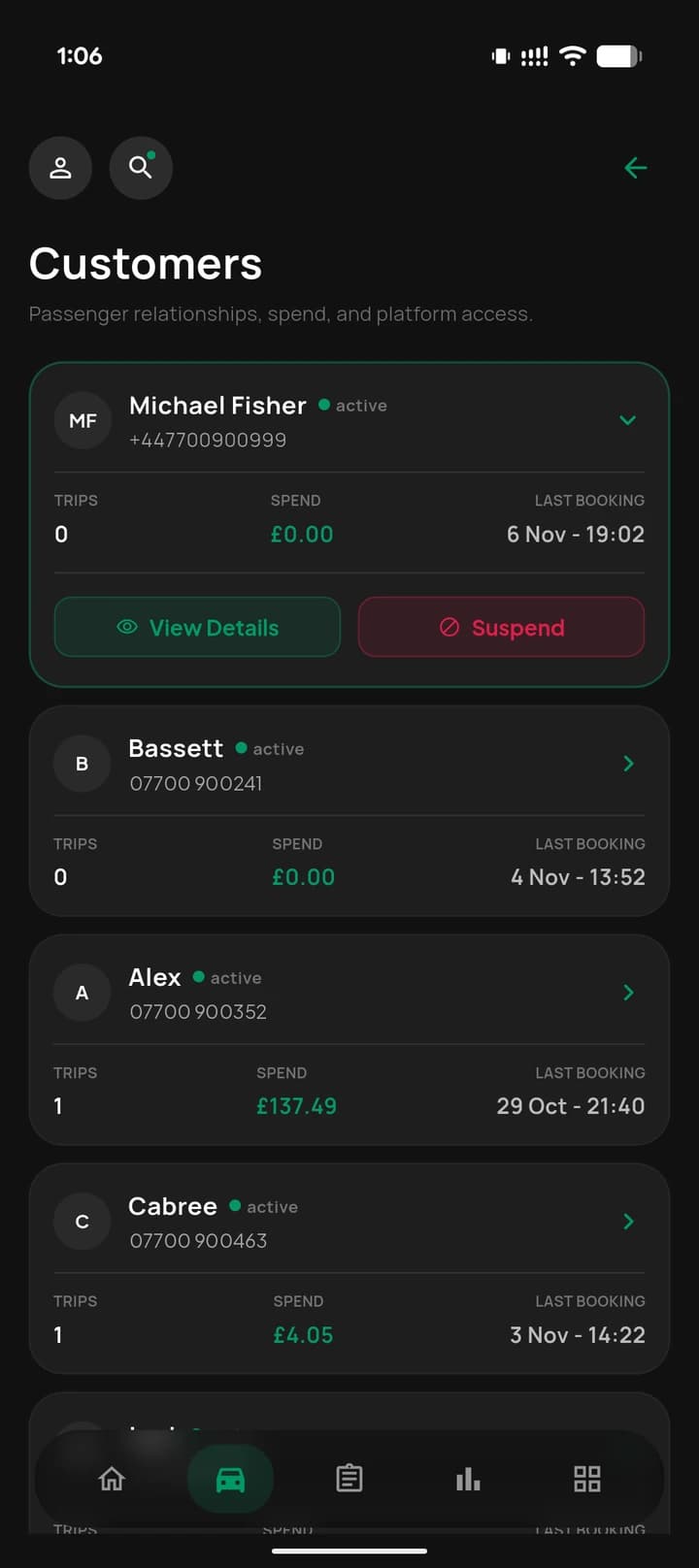
  • Every customer’s trips, spend and last booking
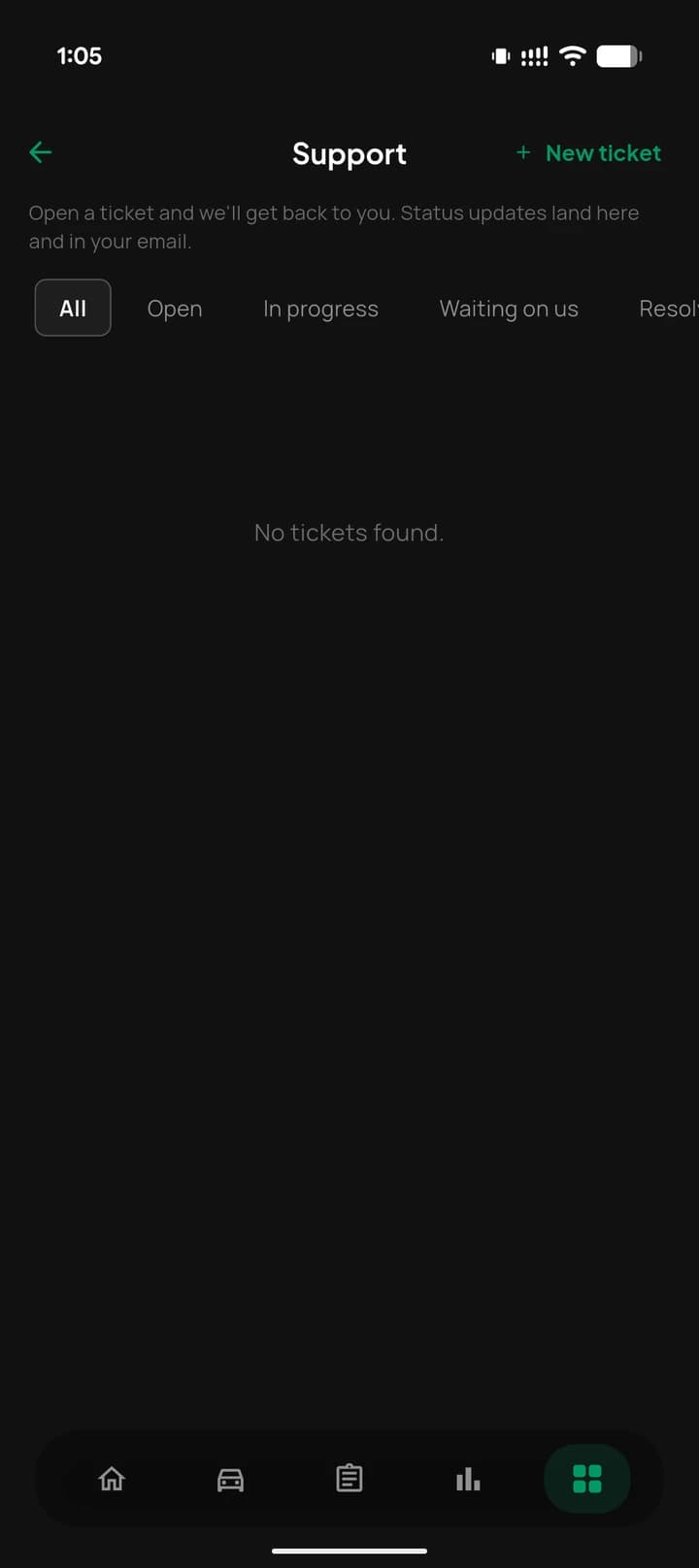
  • Support tickets from open to resolved
  • Block or suspend in one tap
Support tickets in MyCabree with open, in progress and waiting filters
Customers in MyCabree with trips, spend, last booking and suspend

Stay in touch,
without leaving the app.

  • Telephony & SMS

    Configure automated SMS alerts like "your driver is outside" and manage VoIP extensions from the app.

  • Customer app control

    Toggle features, update banners and configure your white labelled passenger app remotely.

  • Announcements

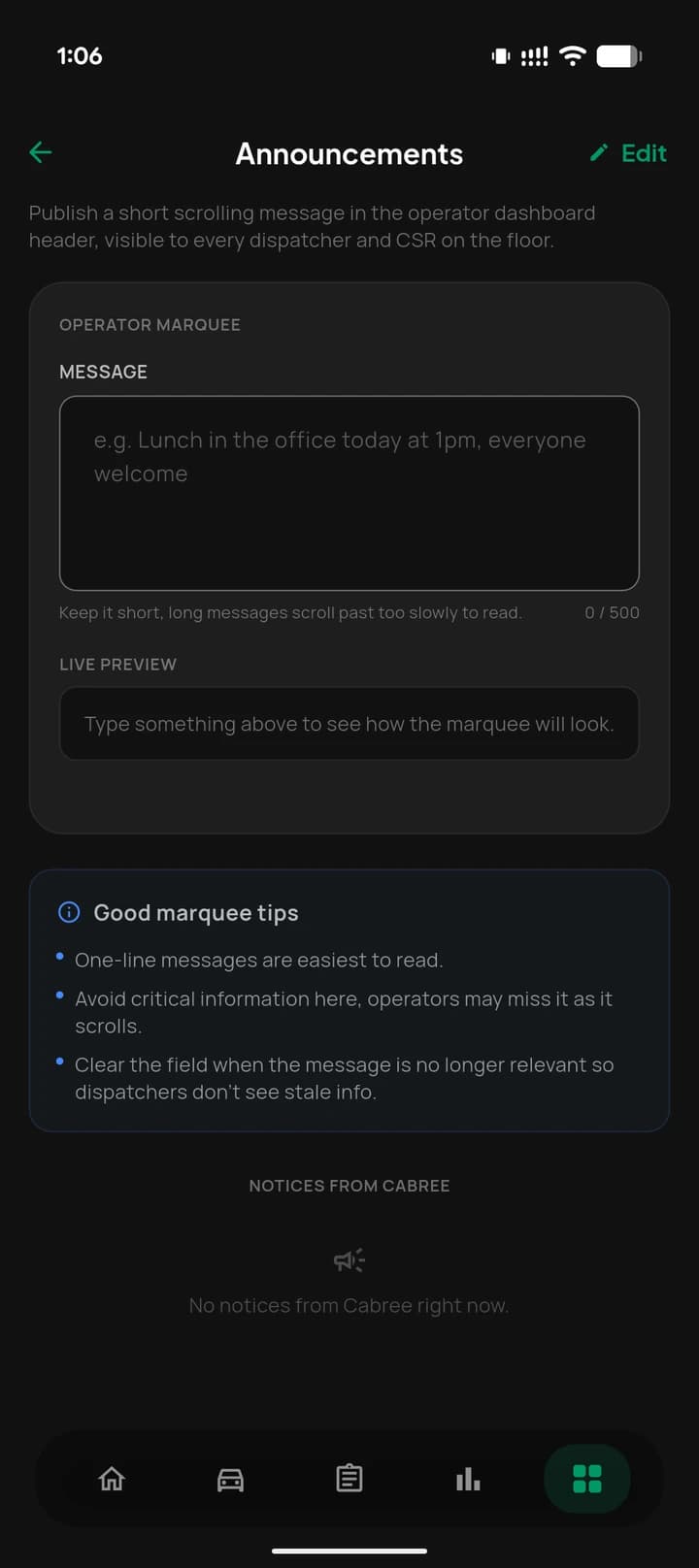
    Broadcast critical updates, weather warnings or promotions to all staff or passengers instantly.
Payment methods with customer app visibility in MyCabree
Writing an operator announcement in MyCabree with a live preview

Zero trust by default,
your data stays yours.

  • Zero Trust login

    A secure gateway that checks valid credentials and the portal type before anyone gets in.

  • Company Code

    A unique code isolates your company's data completely from every other tenant on the platform.

  • Role based access

    Admins, dispatchers and CSRs each see only what their role is authorised to manage.

Run the whole operation,
from your pocket.

  • Zero trust, role based access
  • Native on iOS and Android
  • The full portal, not a view

Frequently asked questions

Have questions? We're here to help.

Still have a question about your fleet?

Talk to the team
What is MyCabree?

MyCabree is the mobile first company portal for the Cabree platform. It lets taxi and private hire owners, admins and managers run the entire operation from their phone: dispatch, fleet and staff, pricing and zones, bookings, financials, and customer support. Unlike a read only wallboard, MyCabree gives you full control of the portal on mobile.

How is MyCabree different from Cabree View and the Company Portal?

The Company Portal is the full web dashboard you run from a desk. Cabree View is a light, read only companion for glancing at live call and agent metrics. MyCabree sits between them: the full portal, rebuilt for mobile, so you can actually manage drivers, vehicles, pricing, payroll and support from your phone, not just view figures.

Who can use MyCabree?

MyCabree is for company administrators and managers. Access is governed by Role Based Access Control, so admins, dispatchers and customer service representatives each see only what their role is authorised to manage.

How is my company's data kept secure?

MyCabree is built on a zero trust architecture. Every login checks valid credentials and the portal type, and a unique Company Code isolates your company's data completely from every other tenant on the platform. Combined with role based permissions, only authorised people ever see critical company information.

What can I manage from the app?

Fleet and team (drivers, vehicles and staff), live bookings and the dispatch configurator, vehicle types, dynamic fares and geofenced zones, revenue reports, payroll runs, billing and fuel receipts, plus full CRM, a support ticket system, announcements, and telephony and SMS configuration.

Which devices does MyCabree run on?

MyCabree is a native app for both iOS and Android, built on a highly optimised Flutter architecture for near native performance. You do need to be a Cabree customer, as MyCabree works within your company's own Cabree tenant.